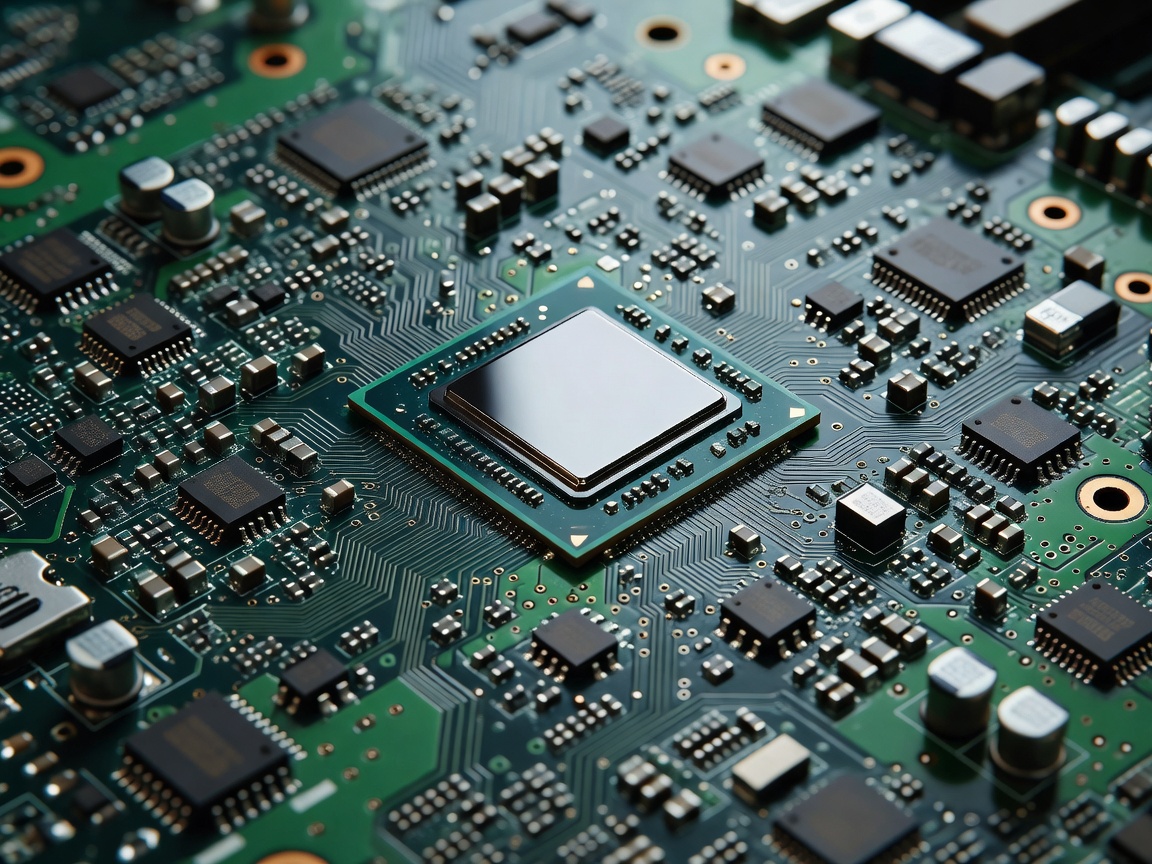
When gaming laptops suffer from micro-stutters and inconsistent frame delivery, the culprit is seldom the raw throughput of the dedicated graphics chip. Instead, bottlenecks frequently trace back to processor cache access latency, memory bus speeds, and aggressive power-state downclocking under heavy combined thermal loads.
The Role of the Processor in High-FPS Scenarios
The central processor handles physics simulations, game logic trees, draw call dispatch, and memory pointer orchestration. As display panels scale into 240Hz and 360Hz refresh territory, the interval available to generate and dispatch each frame contracts to fractions of a millisecond. If the CPU cannot dispatch draw instructions fast enough, the graphics card sits idle between cycles, resulting in noticeable 1% and 0.1% low frame dips.
Hybrid Core Layouts vs. Monolithic Gaming Architecture
Modern mobile CPUs predominantly utilize hybrid architectures combining Performance cores (P-cores) with Efficiency cores (E-cores), or unified high-density core topologies with large on-die caches:
- Hybrid Scheduling Challenges: While background tasks like streaming software and game launchers execute cleanly on secondary efficiency clusters, thread scheduling mistakes can occasionally pin vital game threads to lower-clocked cores, degrading instantaneous frame stability.
- L3 Cache Size Over Raw Core Count: Games rarely utilize beyond eight physical performance cores effectively. Instead, chips outfitted with expanded L3 cache pools (such as 3D cache stacked architectures or large unified L3 pools) keep critical gameplay data close to execution units, vastly minimizing slow accesses to main system RAM.
Sustained PL1 Limits vs. Short-Burst PL2 Ratings
Manufacturers frequently market high peak turbo clock figures (e.g., 5.4 GHz+). However, in laptop chassis constraints, these frequencies are governed by strict duration timers called Tau:
| Power State Metric | Standard Mobile Range | Duration Behavior | Impact on Gaming Performance |
|---|---|---|---|
| PL2 (Short Duration Turbo) | 95W – 140W | 10 to 28 Seconds | Rapid level loading and asset pre-compilation; minimal steady-state gaming benefit |
| PL1 (Long Duration Sustained) | 45W – 75W | Continuous load | Determines steady-state clock speed across long gaming sessions |
| Thermal Throttling Floor | 90°C – 100°C Tjunction | Automatic trigger | Violent drops down to base clocks (often 1.8GHz - 2.4GHz) to protect die integrity |
System Memory (RAM) Timing and Channel Configuration
A high-tier mobile processor paired with single-channel or heavily loosened memory timings will fail to hit target frame rates in open-world simulation titles. The shift toward DDR5-5600 and high-frequency LPDDR5X standards has expanded theoretical bandwidth, but latency remains higher than historic DDR4 solutions. Dual-channel configurations are imperative for gaming laptops to keep CPU register queues supplied without stalling instruction execution.
Balancing the CPU-to-GPU Power Allocation
In thermal systems where cooling headroom is shared across a unified heat pipe array, an overpowered CPU pulling 80 Watts can choke a 140-Watt GPU down into thermal defense modes. When comparing prospective laptop models, look for systems that allow user-configurable CPU undervolting or custom PL1 power caps in their firmware utility to ensure optimal wattage remains routed to graphics processing.